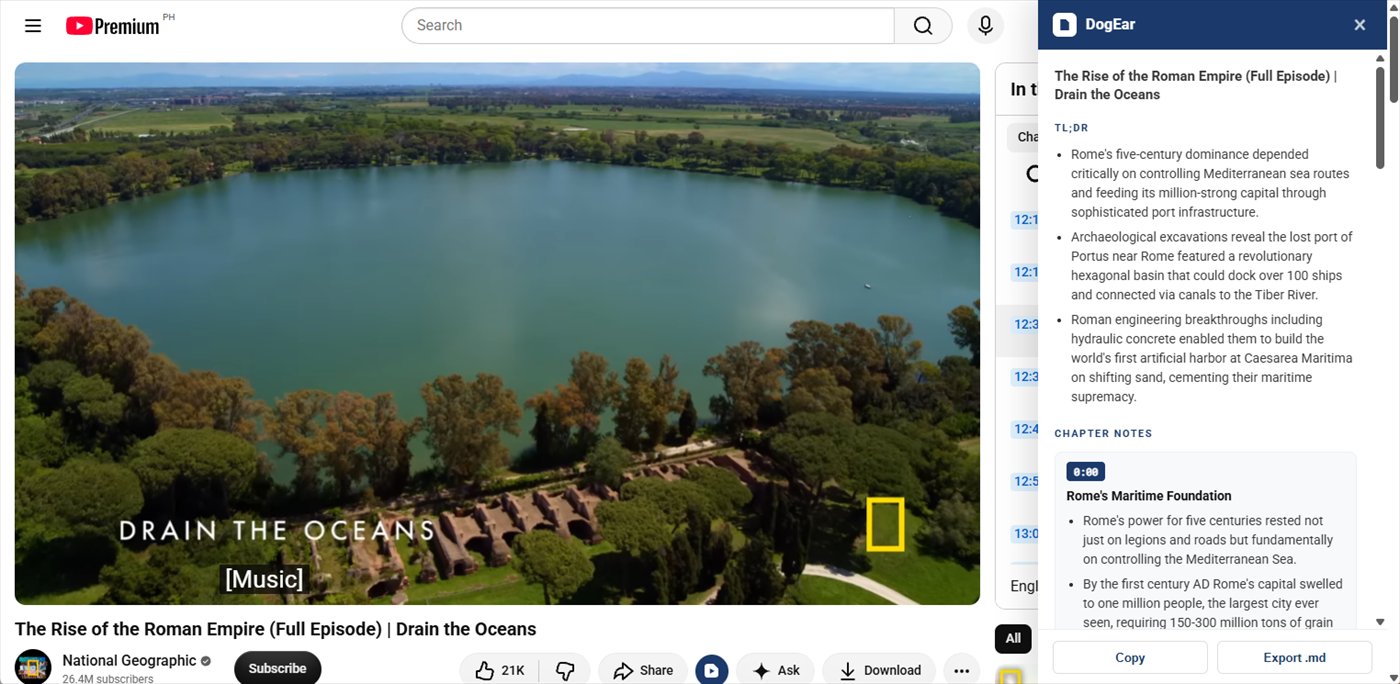
DogEar reads the transcript and writes structured notes with clickable timestamps. Built for people who learn from video, not people trying to avoid watching it.
Add to Chrome First 10 videos free — no account, no card · pricing
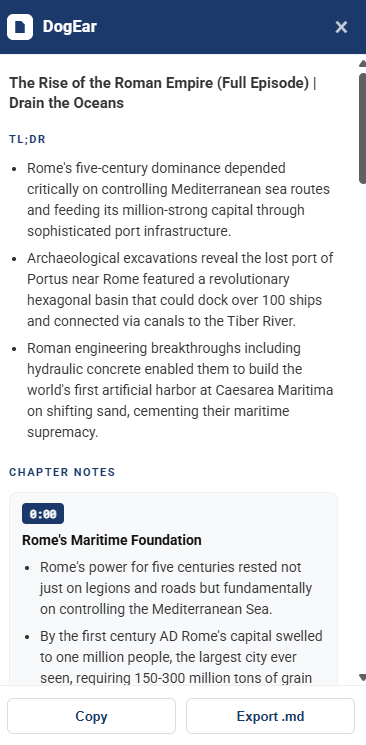
Three bullets covering the whole video, then the video broken into chapters — each with a timestamp and its own bullets. The bullets say what was actually said, not “the speaker discusses Roman engineering”.
Click any timestamp and the video jumps there. That's the part that turns notes into a way to navigate an hour-long documentary instead of a record you never reopen.
When you're done, Copy or Export .md puts the whole thing in Obsidian, Notion, or wherever you keep things.
The video gets broken into sections, each with its own bullets. You can see the shape of the argument, not just the gist.
Every chapter has a timestamp. Click it and the video moves there. Notes become a way to navigate, not just a record.
Copy to clipboard or download a .md file. Drops straight into Obsidian, Notion, or wherever you keep things.
Install it, open a video, click the button. No account, no API key, no configuration.
The first 10 videos are free — no account, no card. When you run out, DogEar asks if you want to keep going and you subscribe from inside the extension. Paid plans cover 150 videos a month, far more than most people get through. Cancel any time.
It works on any video that has captions, which covers most talks, tutorials, lectures, podcasts and interviews. Music videos and gameplay without commentary usually don't have captions, so DogEar can't read them.
No. Transcripts pass through our server to generate notes and are not kept. The notes exist in your browser until you close the panel. See the privacy policy for specifics.
You keep access until the end of the period you've paid for, then DogEar stops generating new notes. Nothing is deleted because nothing was stored.
Yes — a licence works on up to three machines.